
What is the Personal Network Map?
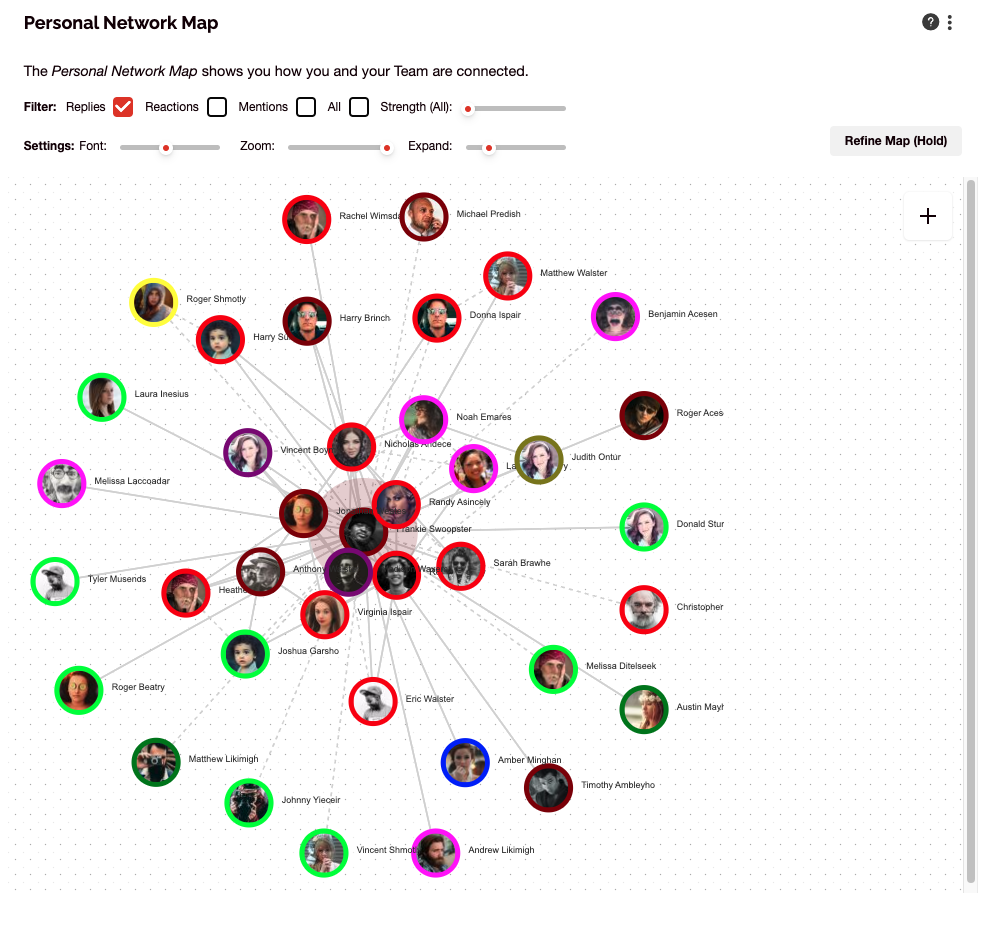
The Personal Network map is only available on the Personal Tab and secured to the individual. It shows the individual’s personal network map as derived from their Teams Channels interactions.
How to use the Personal Network Map
The map is interactive, so the user can filter by interactions ‘strength’ to uncover their core network of colleagues.
The colouring of the nodes reflects the business segment data e.g. formal business unit, geographic region etc.. As an individual team member, you would like to see a strong core of fellow team members and a few external connections for diversification of your experiences. If you are a functional head or program leader for multiple teams, your personal map should reflect your interactions with each team’s members. The patterns shown will likely flag areas where interactions could be improved.
Connect and discuss
Want to talk with others about this? Join our User Group on LinkedIn.