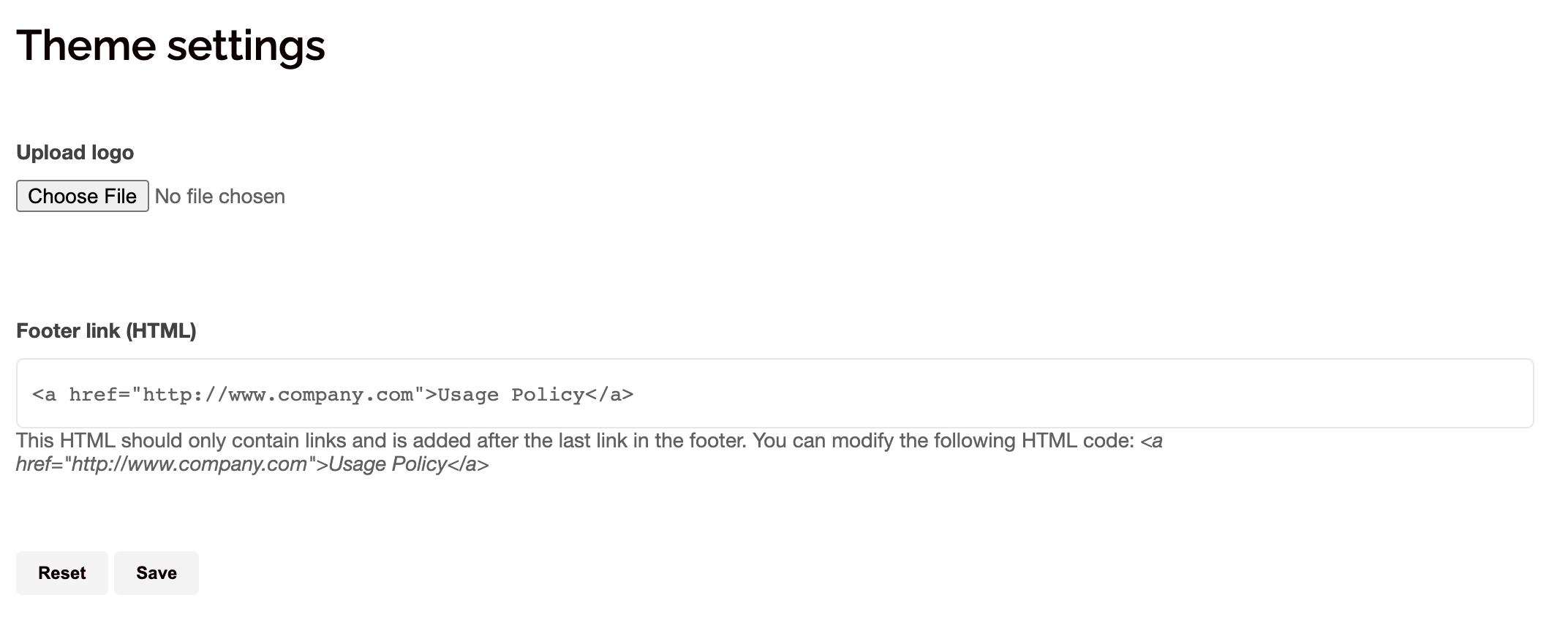
If you have administration rights to SWOOP you can customise the branding of SWOOP.
Step-by-step guide
- Click 'Admin' on the bottom left of the screen.
(If you cannot see 'Admin' you are not a SWOOP admin.) - Click 'Theme Settings' at the top of the screen
- Now you can upload a logo and add a footer link to the site
Note: When you click 'Save' the selected branding options will be applied to your SWOOP site. Click 'reset' to undo your changes and return to the default settings.